
Feature:
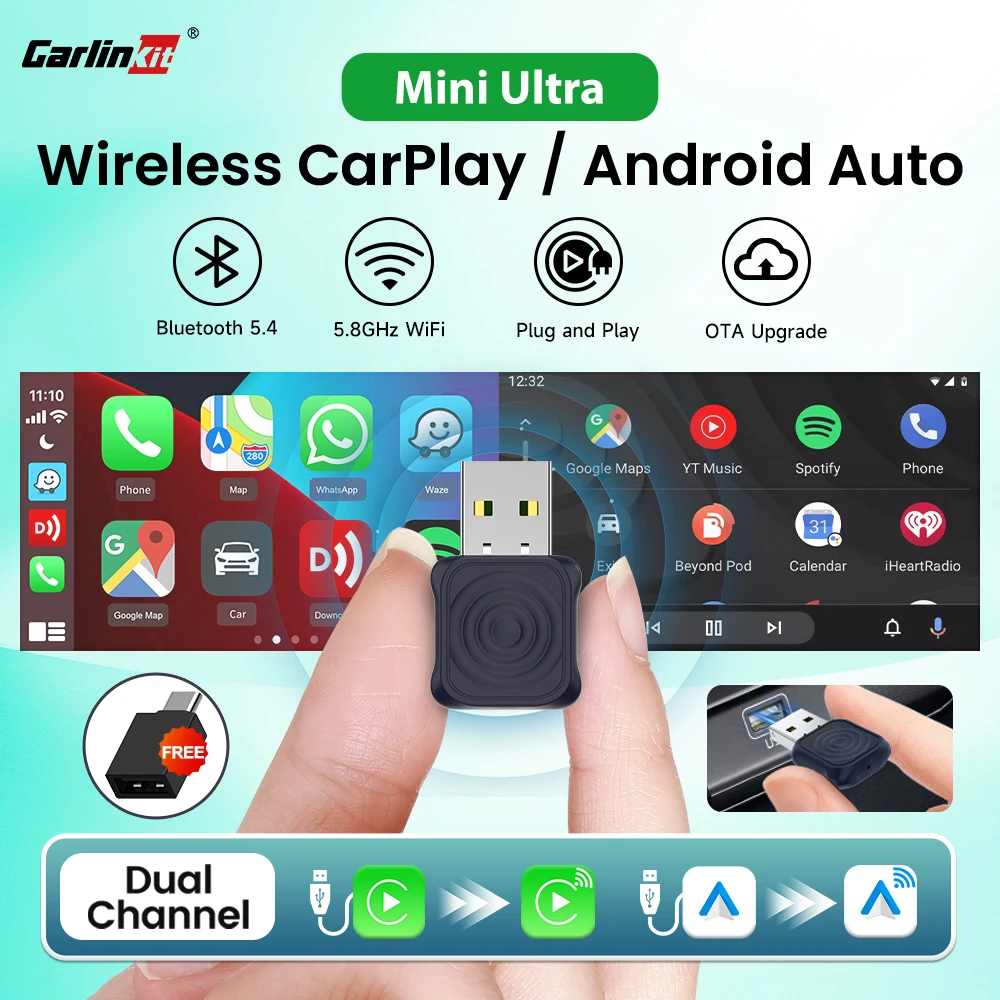
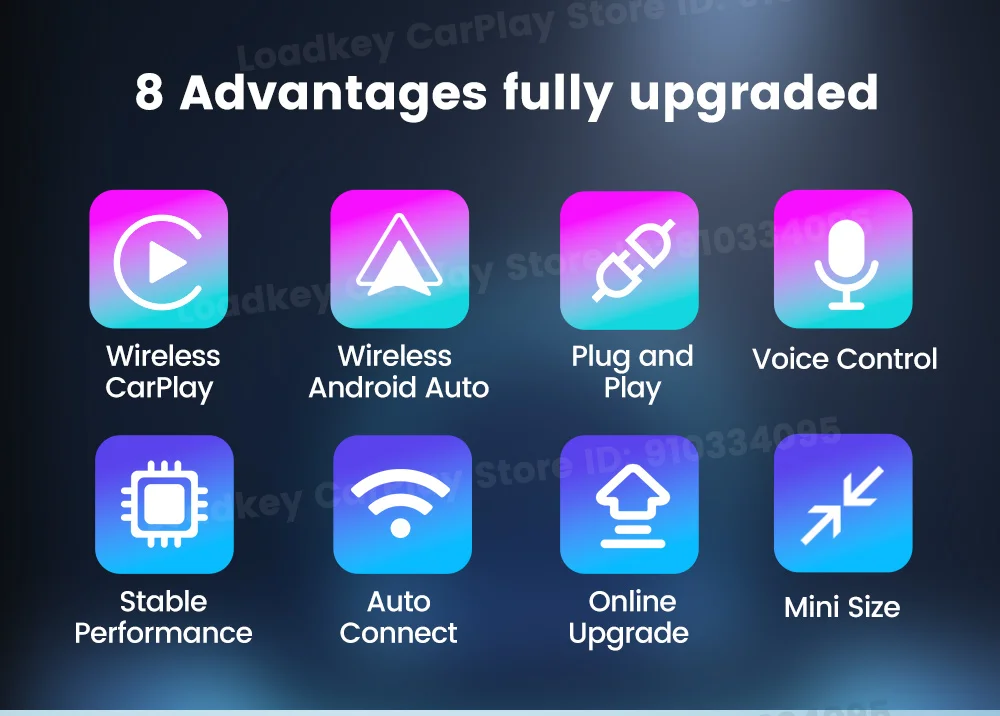
1. Plug and play, non-inductive connection, say goodbye to wired constraints
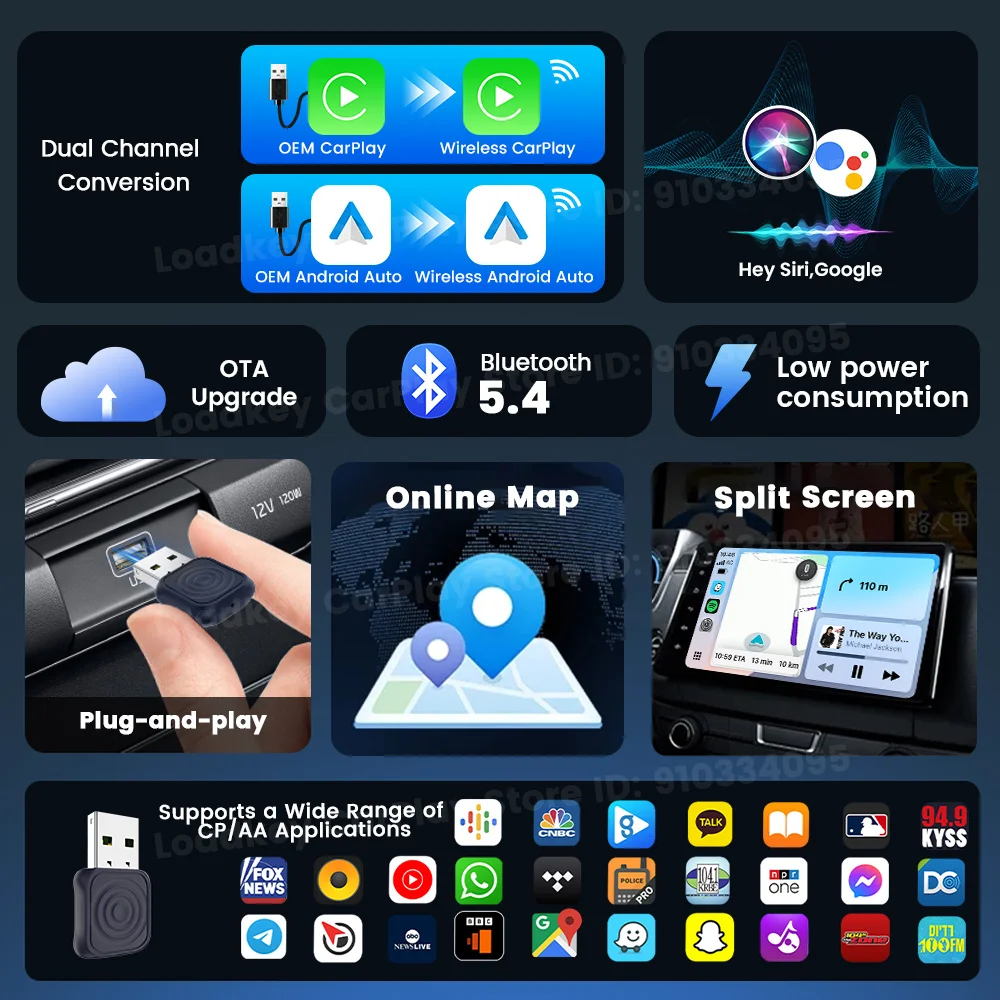
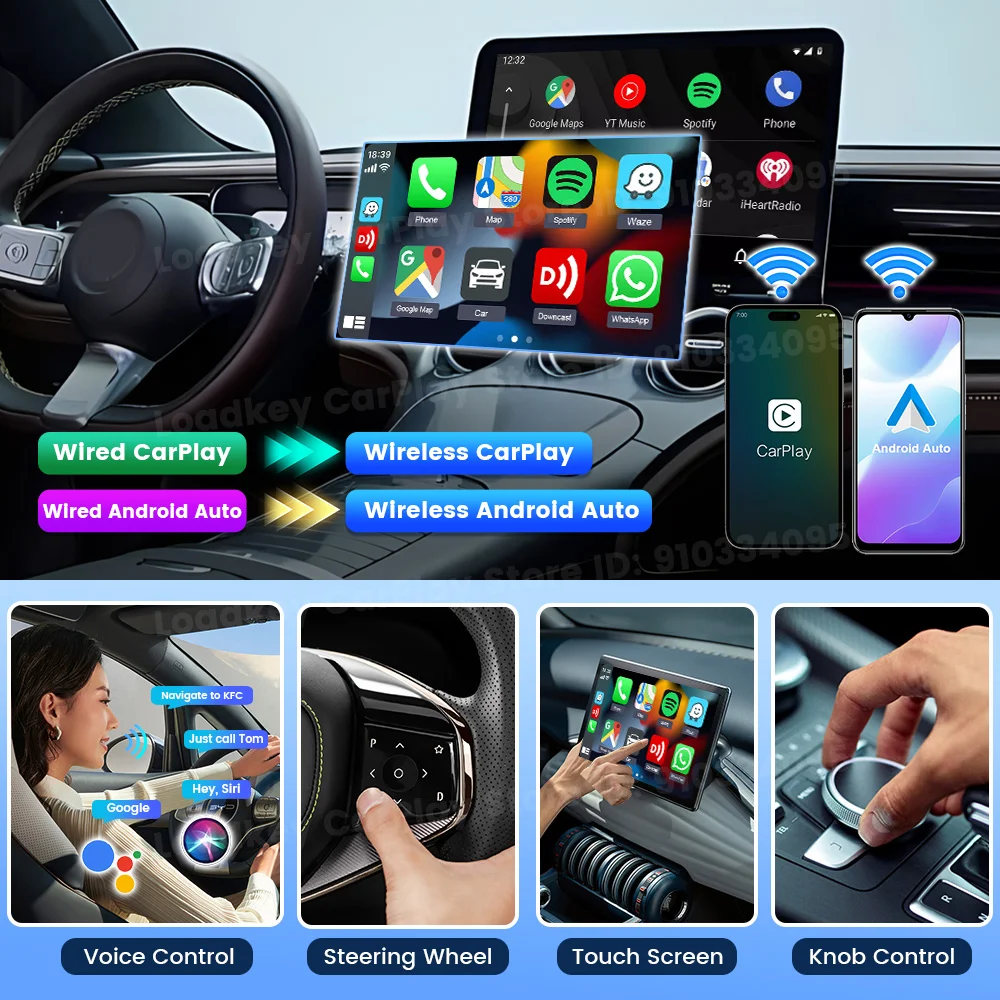
2.Supports wired to wireless CarPlay & wireless Android Auto, BT pairing, and Wi-Fi transmission.
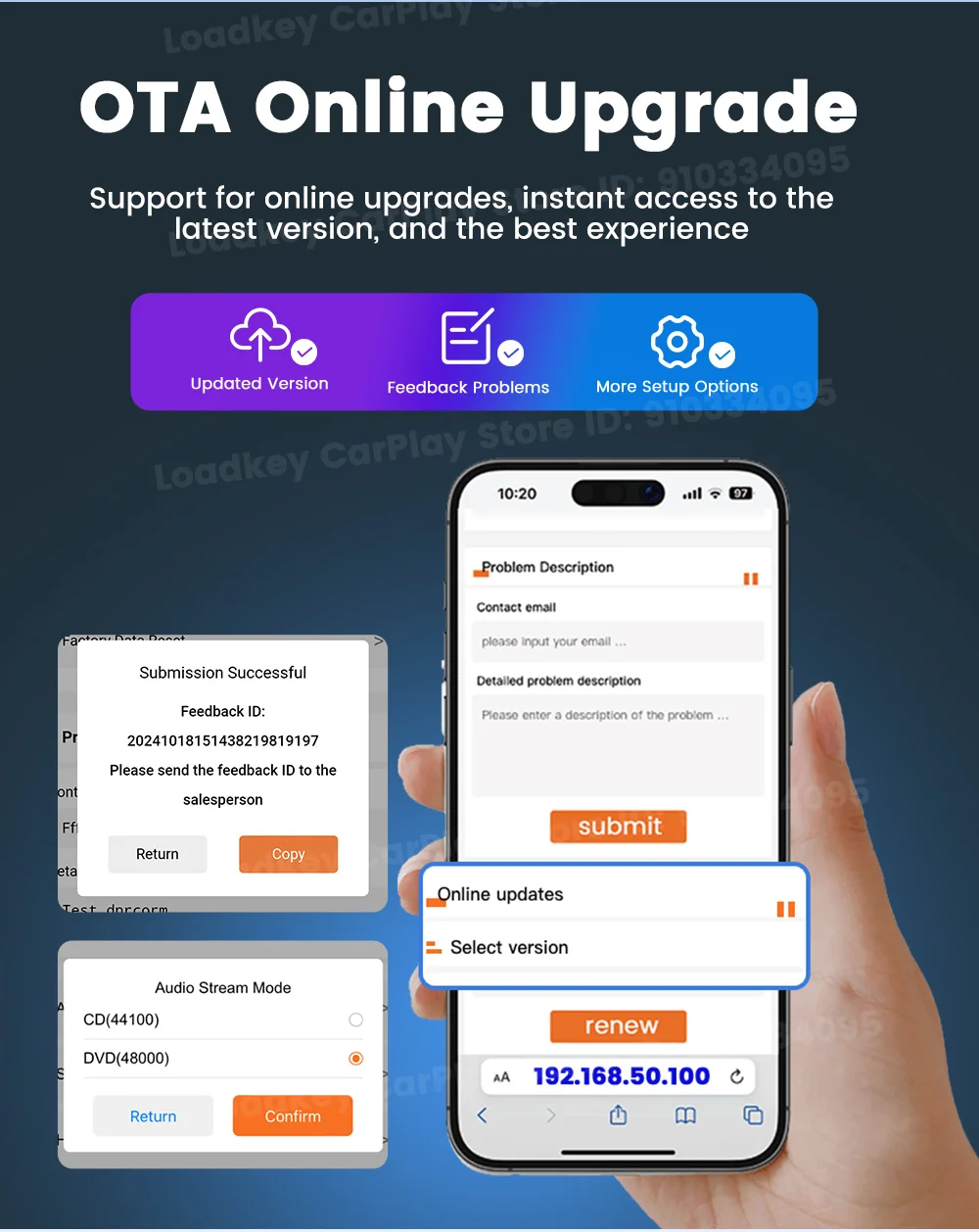
3. Support OTA upgrade, online feedback, solve problems quickly
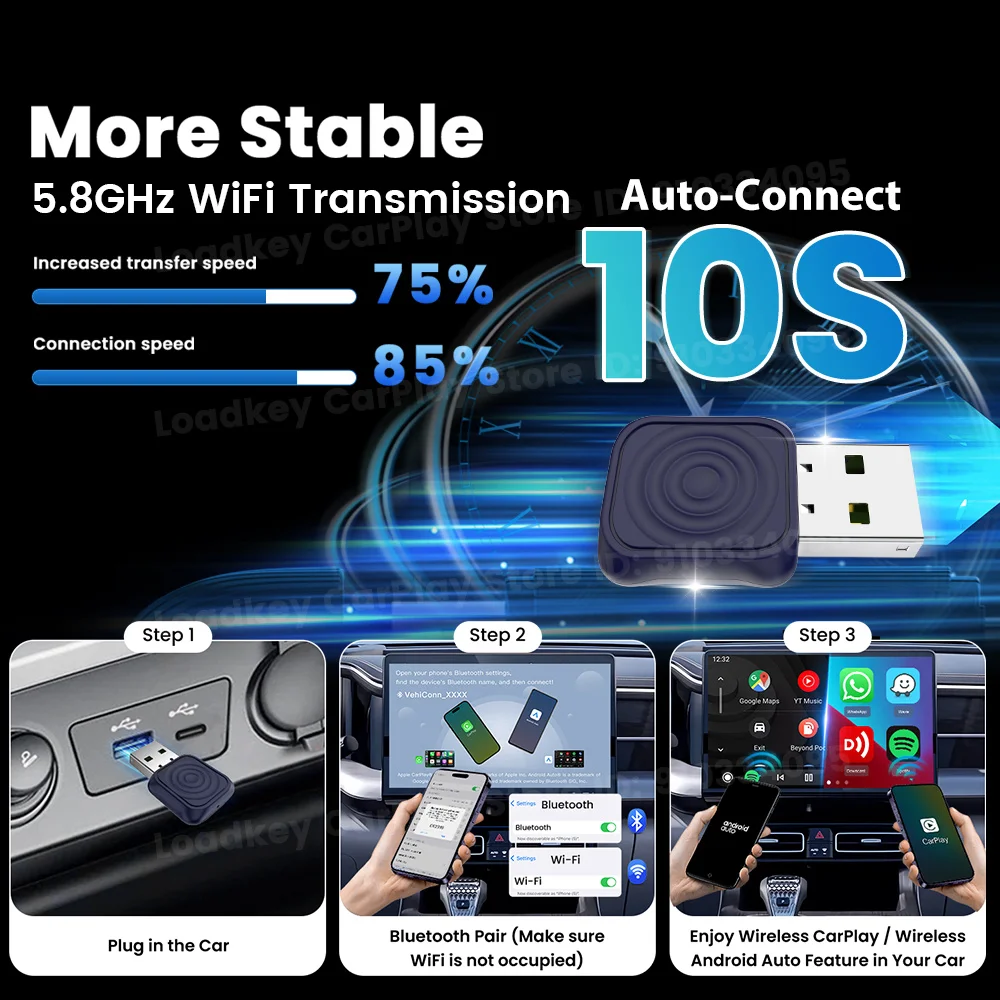
Automatically connect, plug it into the car and connect as soon as you get in the car.
4. Continue the buttons, knobs and other operations of the original car
5. Compatible with the original car microphone, continue the
original car sound quality
6.Easy to carry, smaller in size and does not take up space.
Supported Mobile Phones and Vehicles
Compatible Mobile phone:iPhone 6 and above, iOS 10 and above, Android phone with Android 11.0 and above
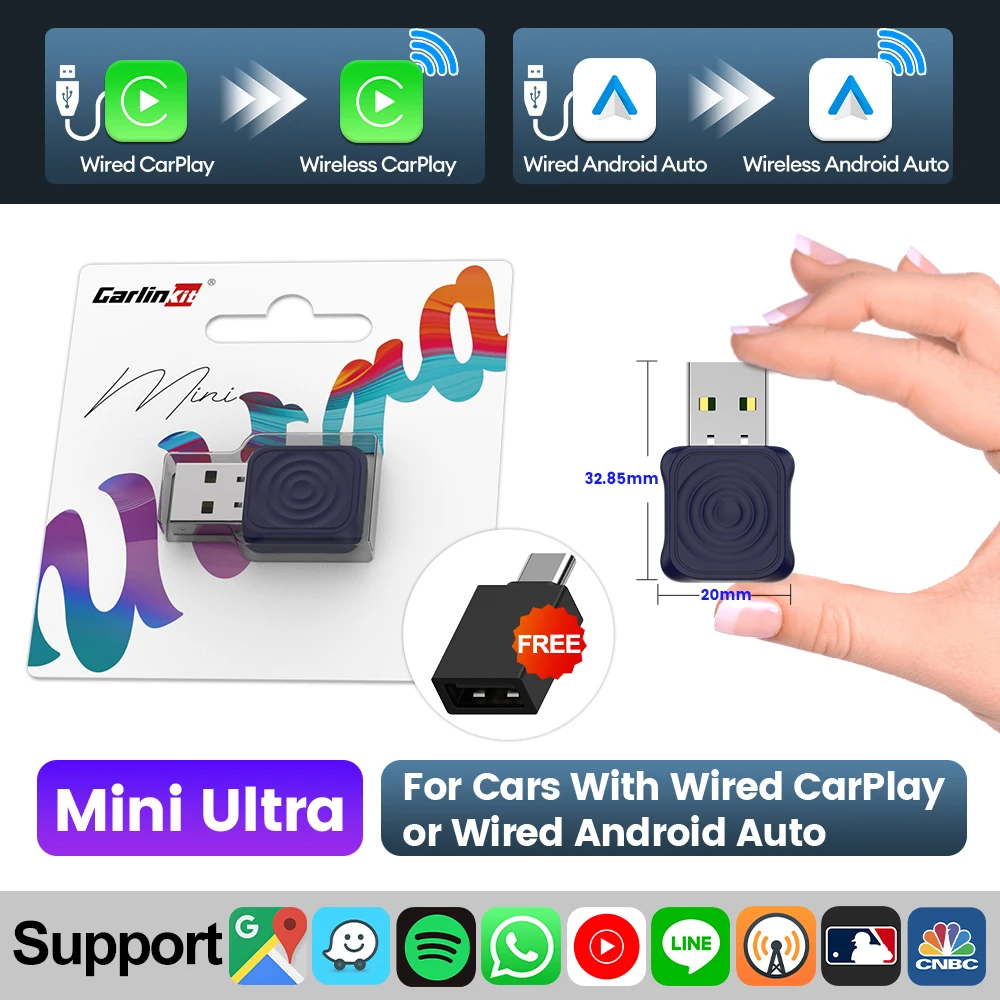
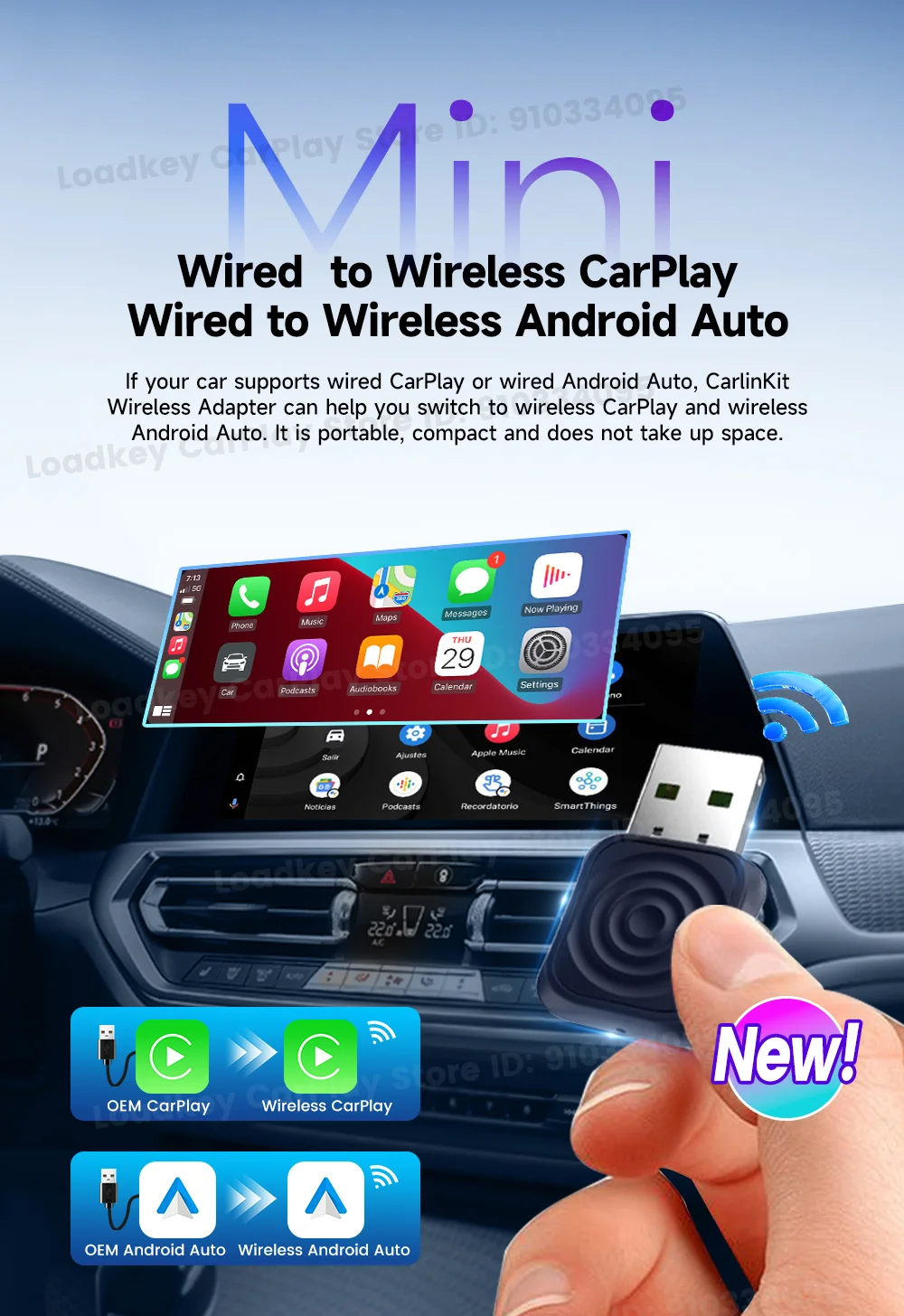
Compatible Car:Car with factory wired CarPlay /wired Android Auto

Wired CarPlay to Wireless CarPlay
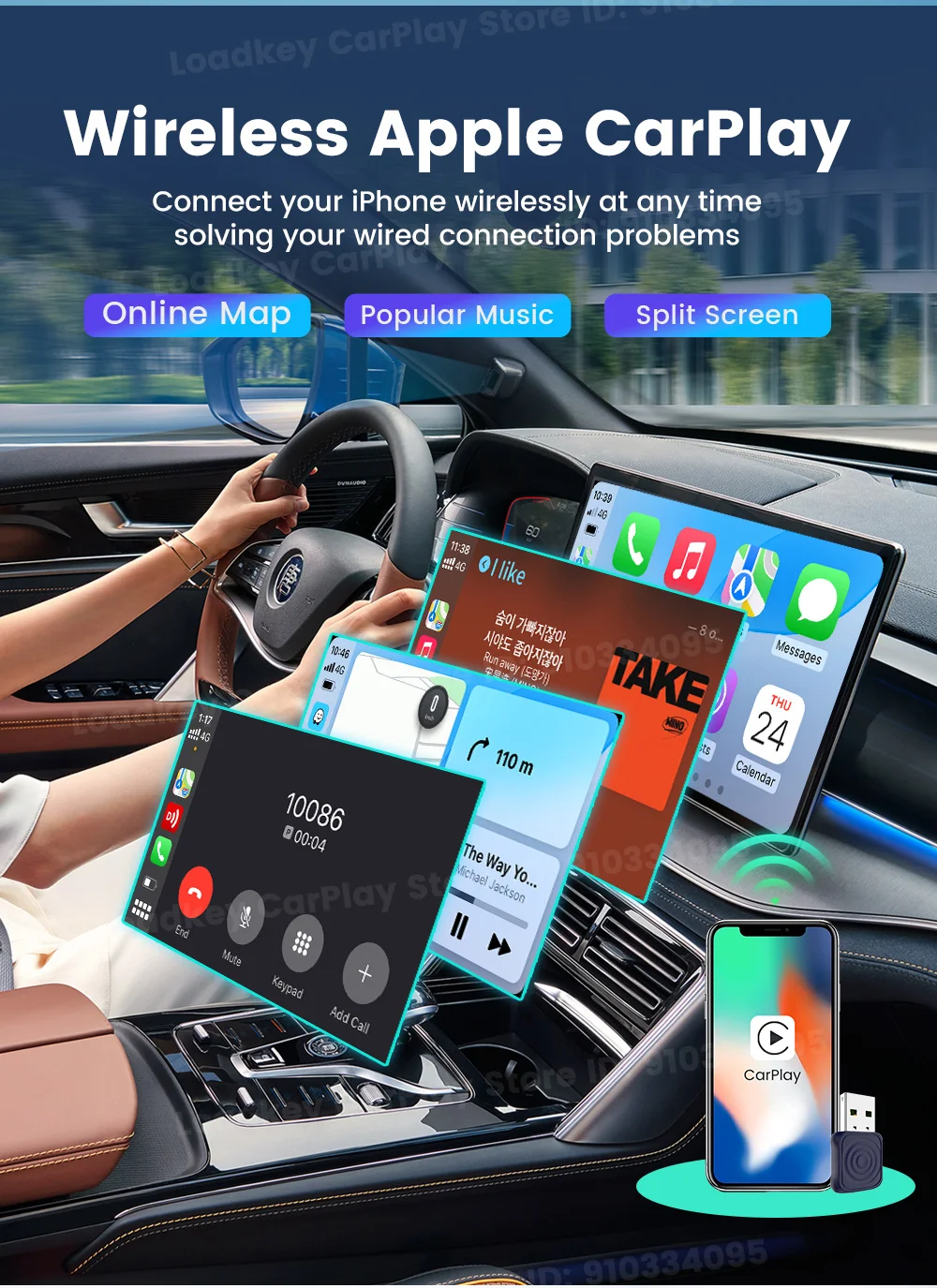
Wired Android Auto to Wireless Android Auto

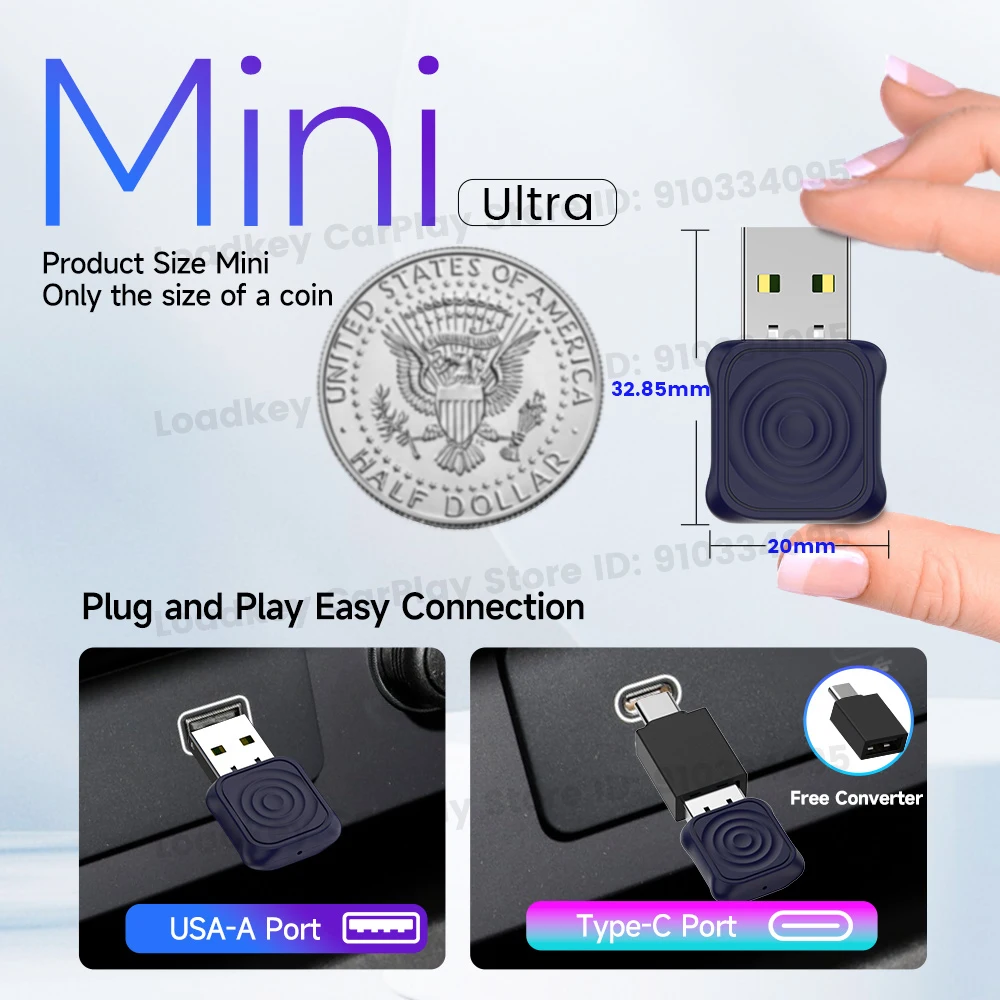
Mini design, easy to store
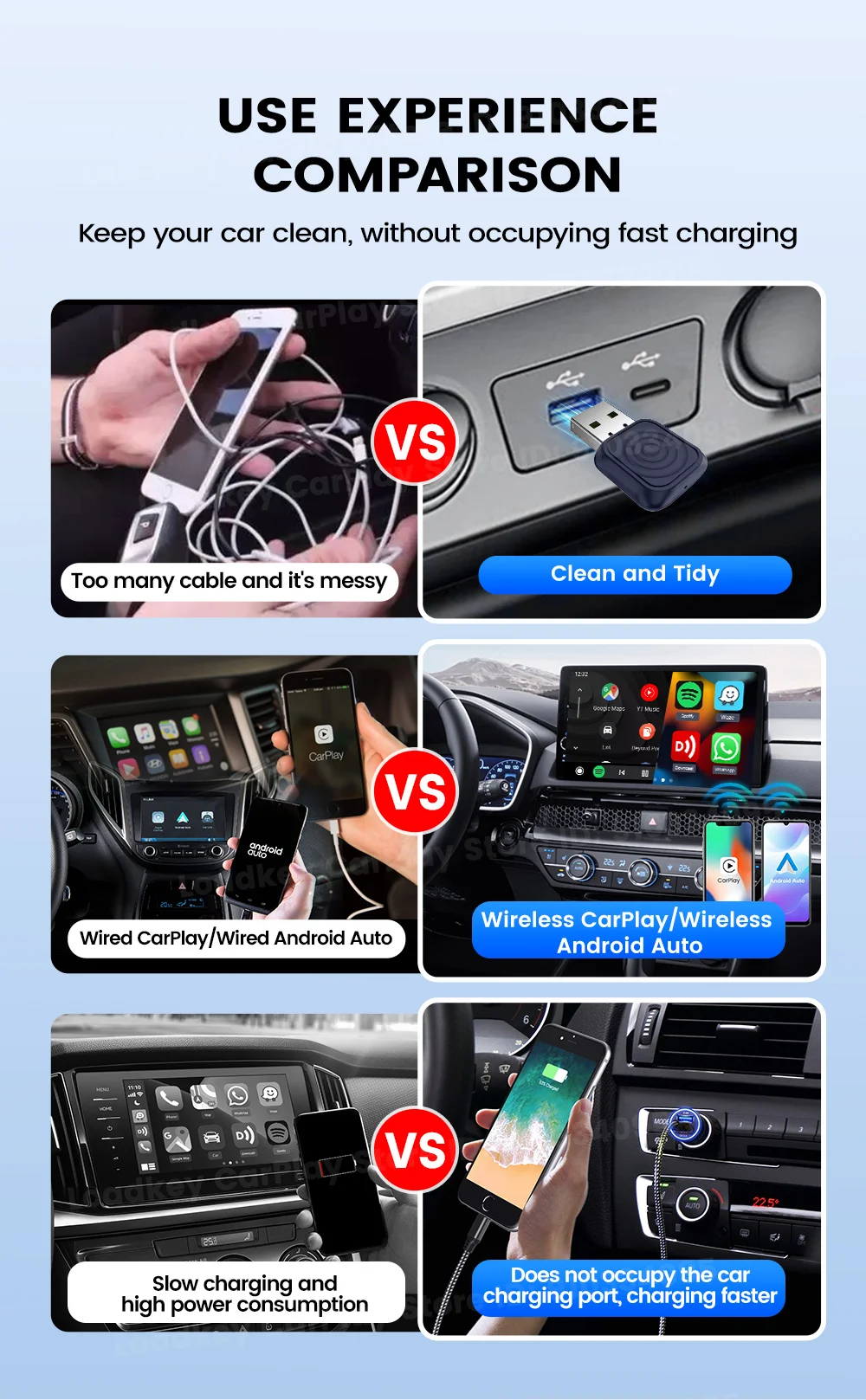
Effortless Installation and Mobility: Compact and lightweight, Carlinkit Mini Ultra features plug-and-play functionality for quick, hassle-free installation and easy portability across different vehicles, making it an ideal wireless CarPlay adapter.

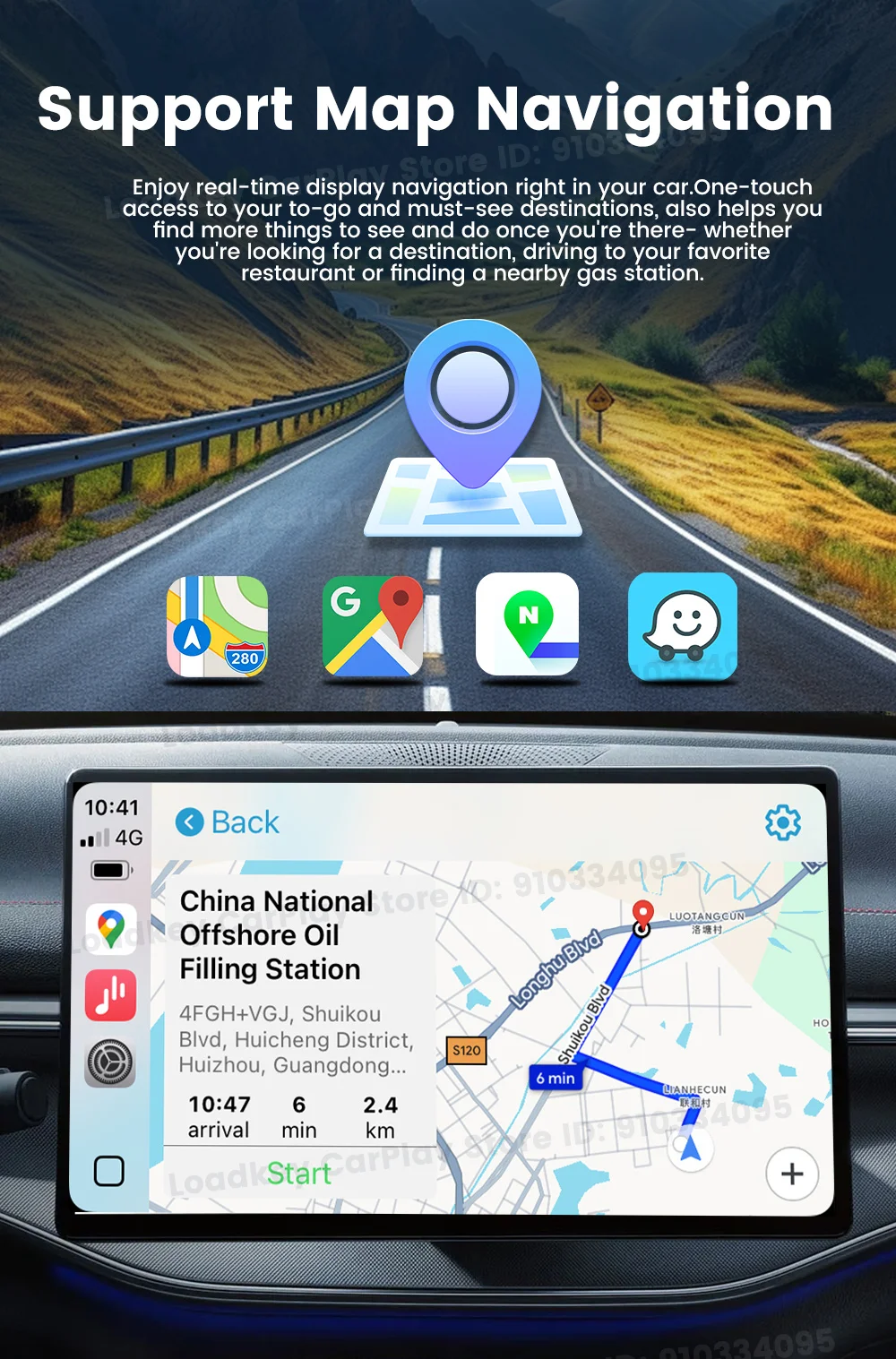
Support more apps for a smarter and safer driving experience.
Carlinkit Mini Ultra Wireless Adapter supports wireless CarPlay and wireless Android Auto. The apps they support allow you to easily access your favorite music, text messages, voice apps, driving navigation apps, and more in your car.
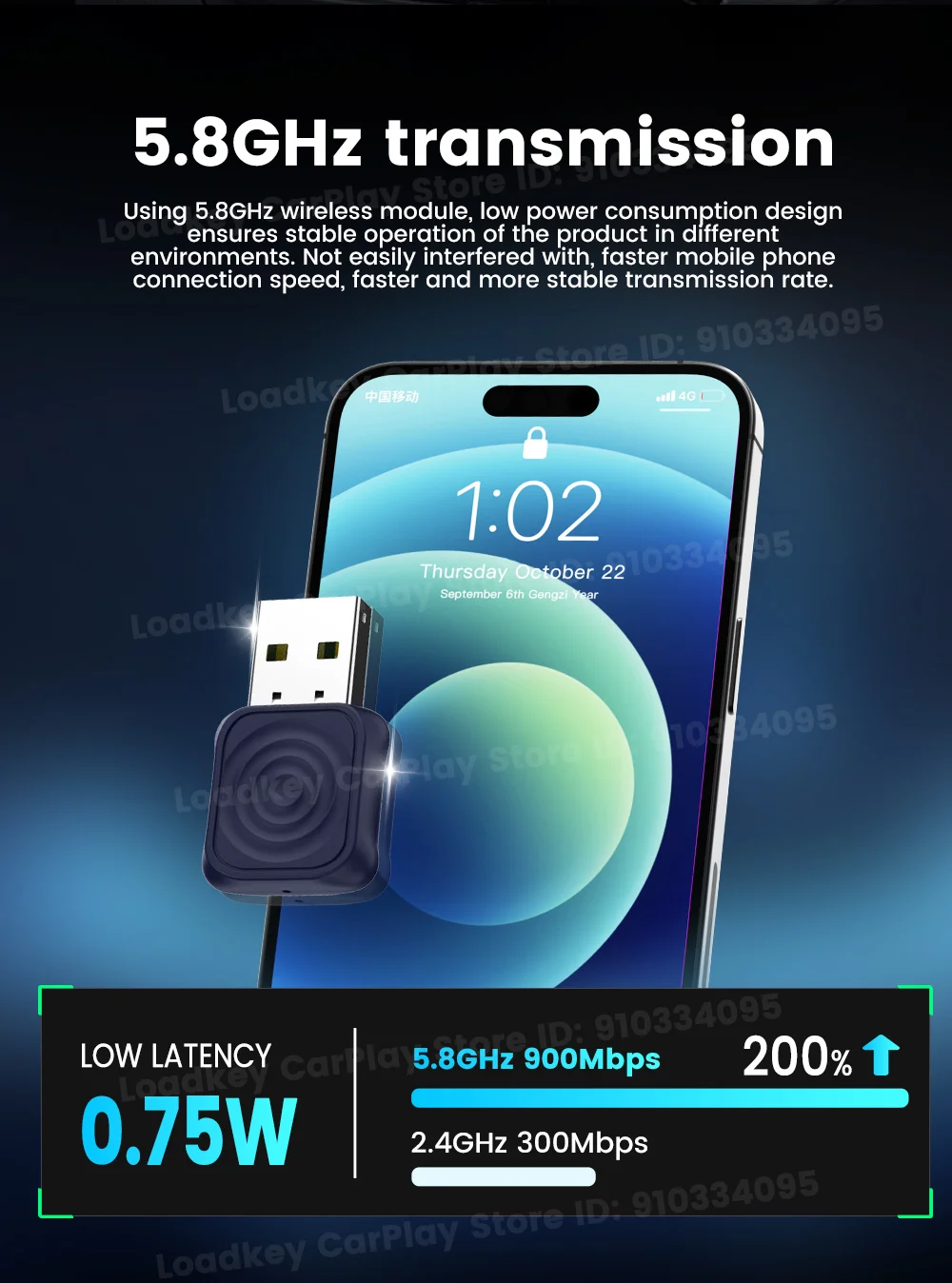
5.8GHz transmission
Using 5.8GHz wireless module, low power consumption design ensures stable operation of the product in different environments. Not easily interfered with, faster mobile phone connection speed, faster and more stable transmission rate.
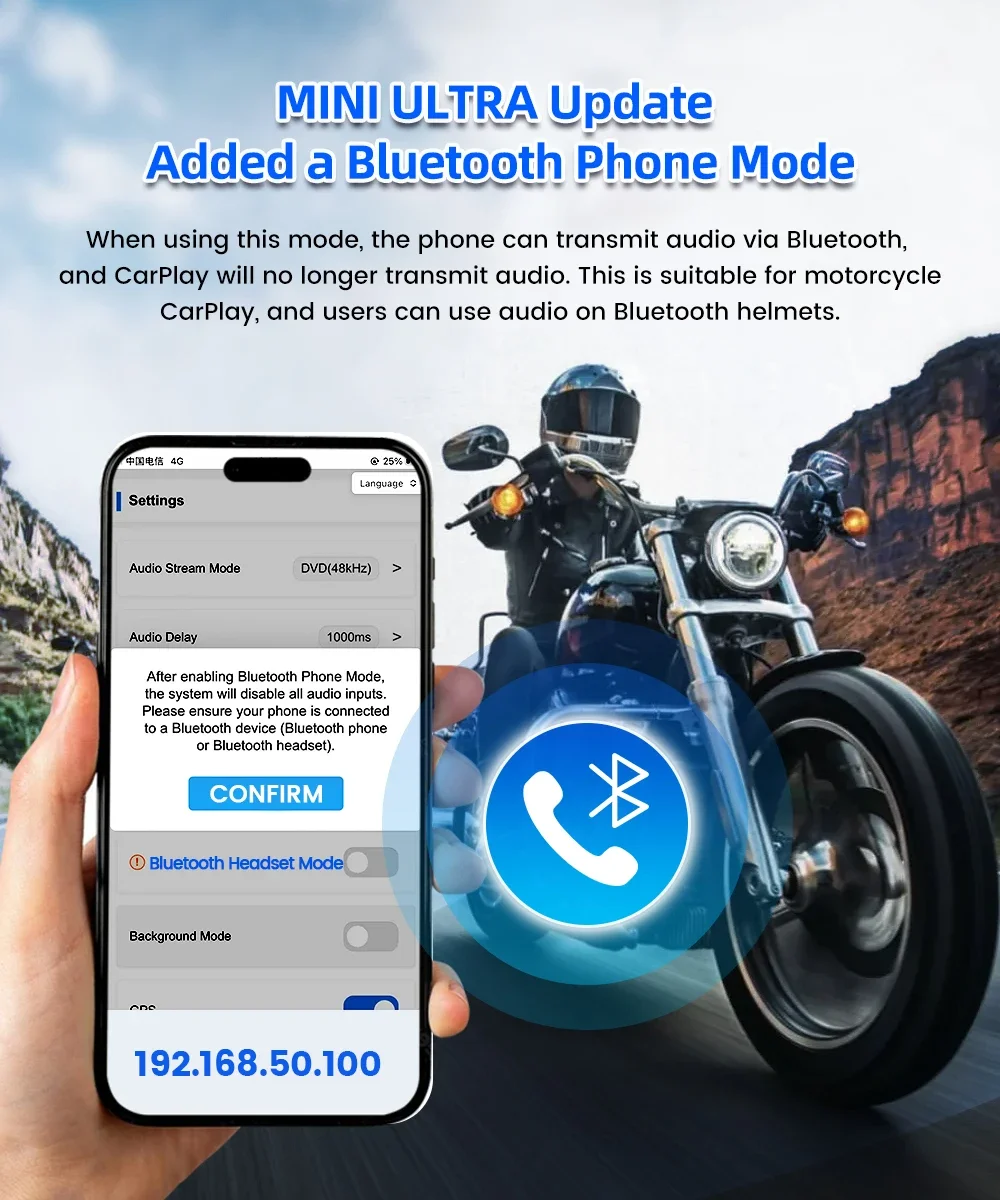
MINI ULTRA Update - Added a Bluetooth Phone ModeWhen using this mode, the phone can transmit audio via Bluetooth, and CarPlay will no longer transmit audio. This is suitable for motorcycle CarPlay, and users can use audio on Bluetooth helmets.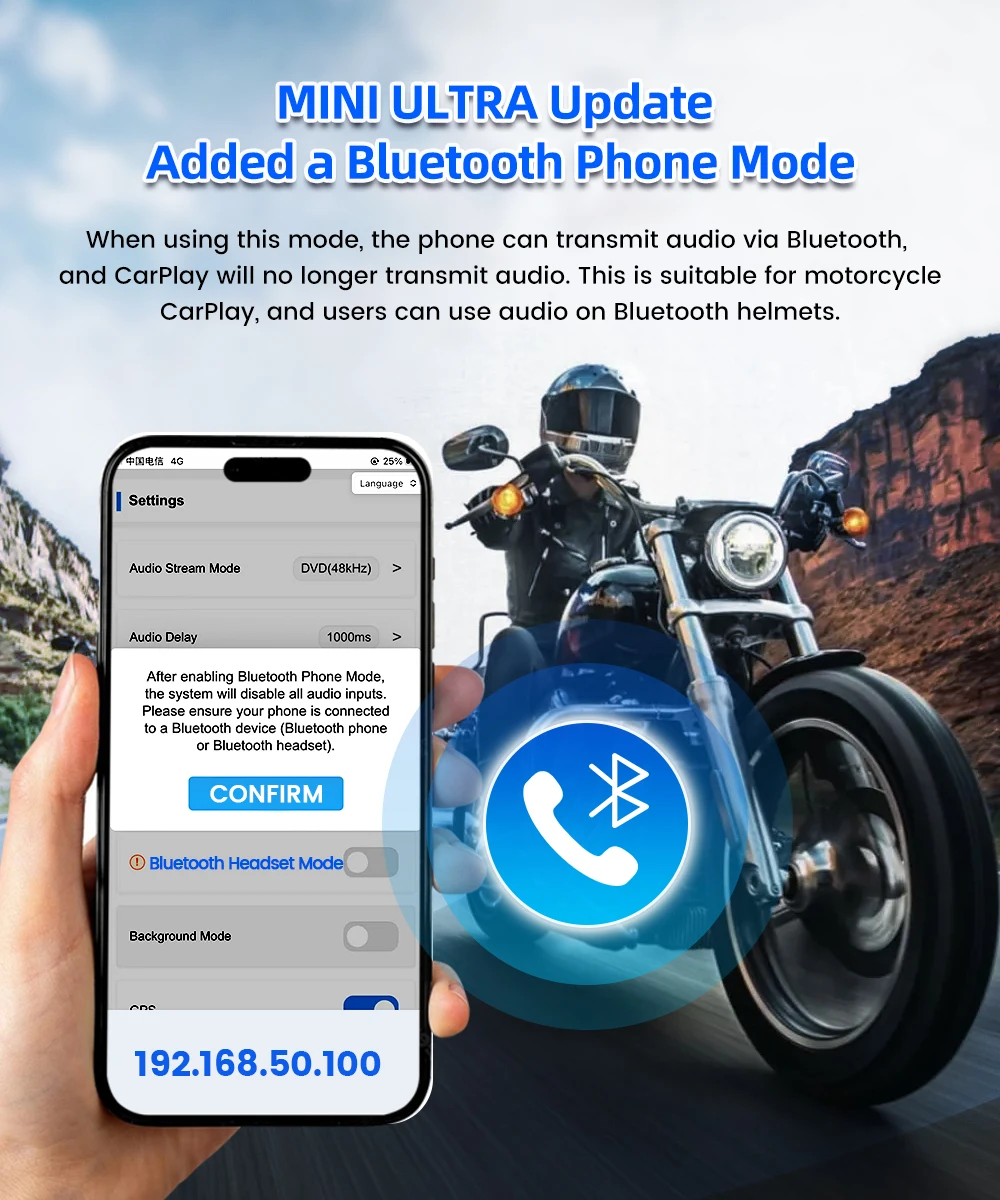
Continue the buttons, knobs and other operations of the original car
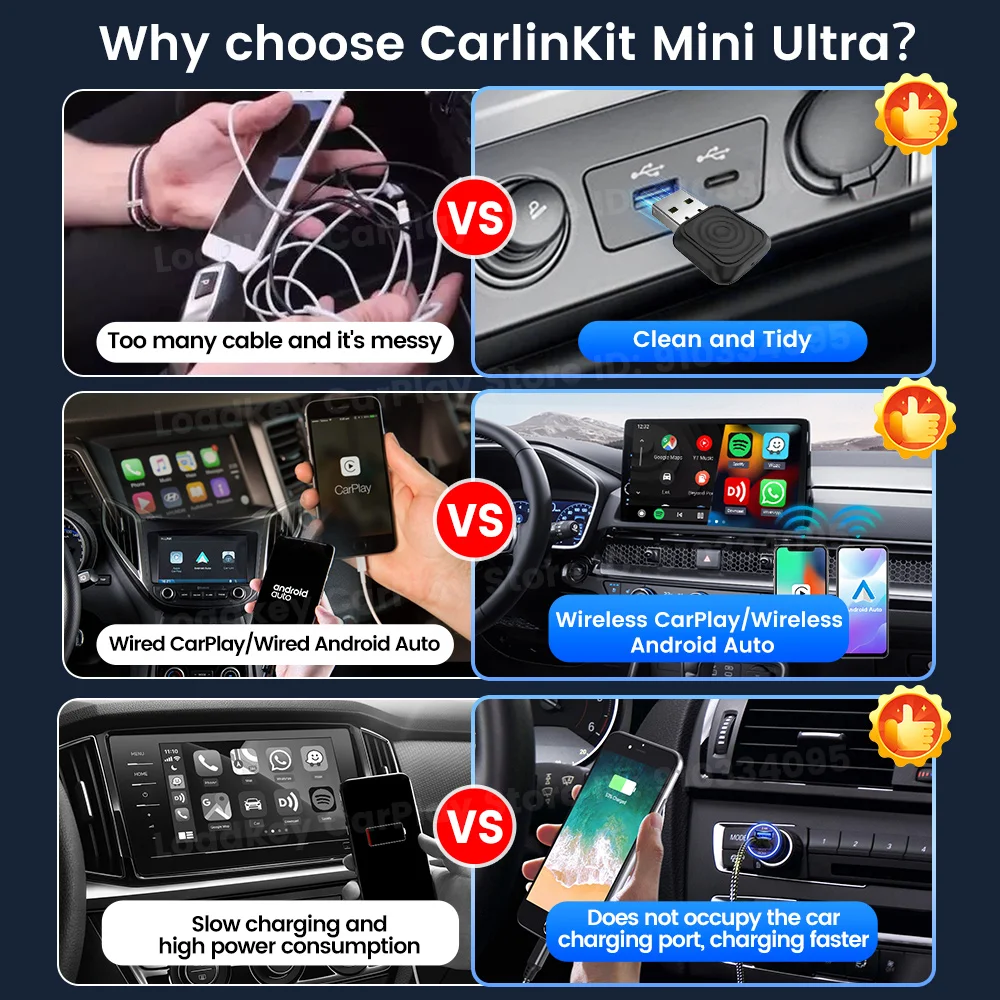
Why choose Carlinkit Mini Ultra?
Always up to date with OTA updates
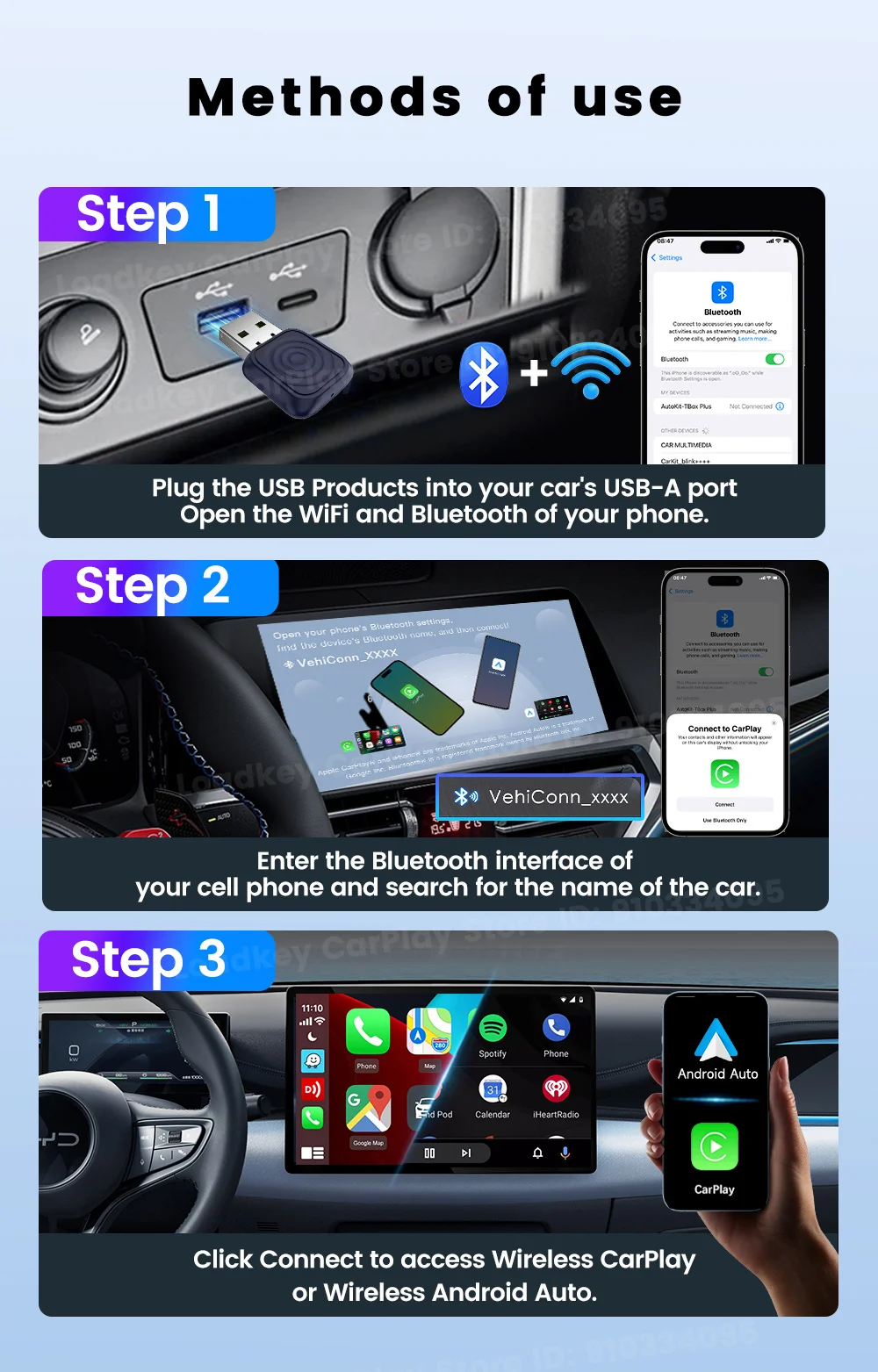
How to connect?
Product Specifications


blocks.comments.title
blocks.comments.no_comments